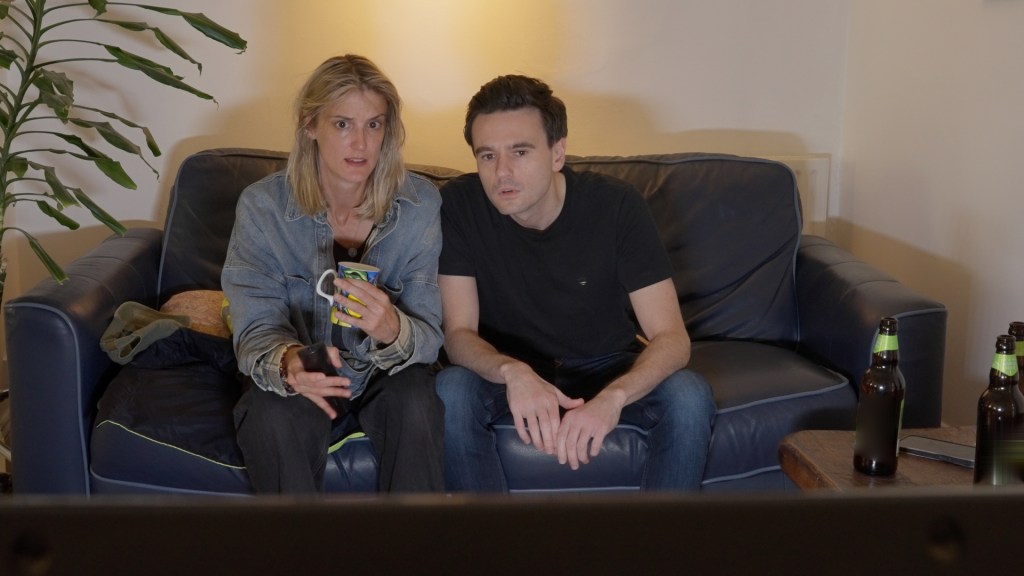
I have been pressing on with Rough Cut Version 3 and, by last Wednesday, I was about 60% through and aiming to wrap by Friday. With Rough Cut 3, I’ve hopefully managed to:
- Choose the strongest shots and takes
- Sort the audio by selecting the best recordings, splitting tracks by actor and getting rid of superfluous ones
- Refine the edits with either L-cuts or J-cuts as appropriate
Everything was shot in log, and I’ve done virtually no colour grading. Well…… I say virtually. I discovered that Resolve has a project-wide auto-grade function that you can toggle on and off, so I’ve had that enabled to make things viewable whilst I’m editing. I’ll disable it before the final grading. I’ve also done some temporary grading on particular tricky shots, so they’re roughly watchable – again, all to be stripped back before the final grade.
The aim with Rough Cut 3 is simply to get each scene technically sound and flowing reasonably well. After that, I want to stitch the whole film together again – maybe adding a few transitional shots (perhaps buildings, etc) so I can watch it without being distracted by poor sound or clumsy edits. I want to see if the overall narrative arc genuinely works.
As I said, I was optimistic about finishing by Friday. Each scene seemed to need just a bit of tidying up. Ha!
After doing all that, I tackled a scene in which two characters argue, receive phone calls, play a computer game and watch TV. Straightforward? Nah! Pretty soon, I realised I’d left the previous cut in a rather disjointed state. The scene needed a lot of work. There was a rogue film light in shot, continuity issues between takes, missing TV audio, and a need to blend sound from when the actors are physically in the room with when they’re on Zoom or on the phone – all within the same scene. I know, I know… but none of this is insurmountable. Better planning might have helped, but this is my first feature – there are some lessons you can’t learn in advance; sometimes you just have to “work the problem”.
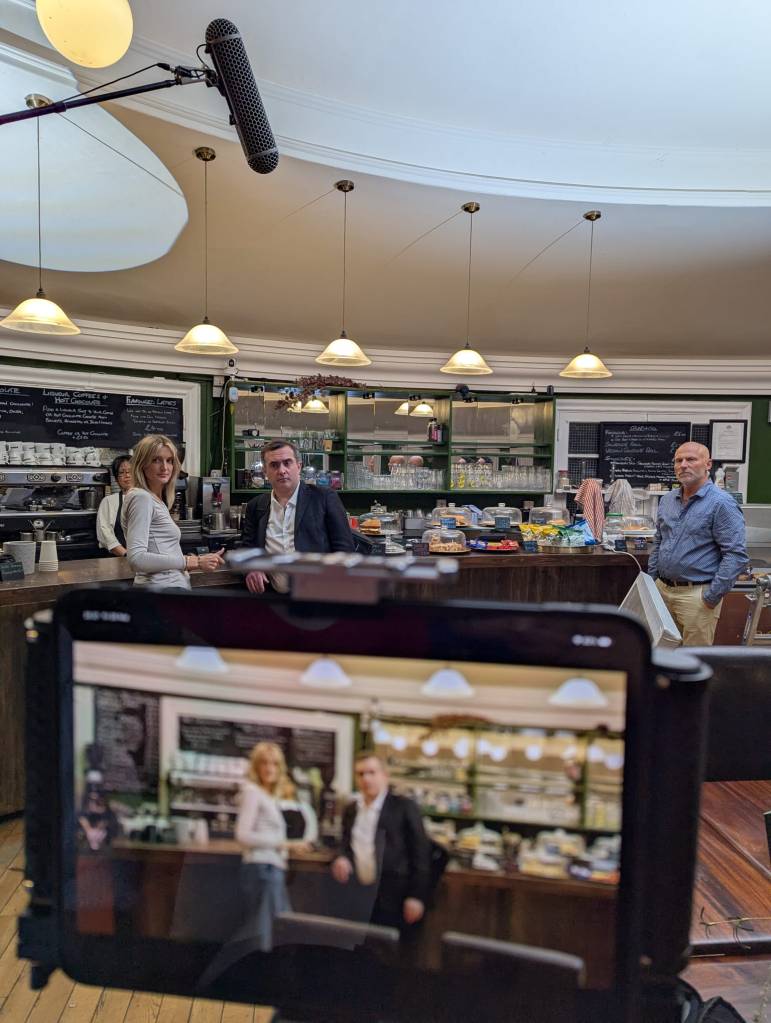
That said, I’m getting to know Davinci Resolve far better and it is amazingly good. I’d been worried about copyright issues because several scenes had visible logos in shot. I knew Resolve could help, but I hadn’t quite appreciated just how good it is. The Patch Replacement tool is superb – you can sample a patch of the frame and lay it over the logo. And it even tracks intelligently if an actor walks in front of the logo! Fuck knows how! Similarly, I also managed to paste out a boom mic by cloning background over it, and even remove two moving cars from a country road. Blimey!
Several scenes are dialogue-heavy, and it became rather time-consuming to decide which shot/take to use for a given line. Luckily, Resolve’s AI transcription feature allows you to select specific text and flip between corresponding takes instantly. Genuinely very impressive.
I’ve also found the Smooth Cut Transition very useful. I’ve been lucky with the cast – fantastic actors, excellent performances – but there are moments when lines are held just a little too long. In some cases, this was unavoidable for technical reasons. We had a scene with four actors in one room pretending to be in separate locations on Zoom. All were mic’ed up and instructed not to talk over each other to ensure clean audio. The downside was that pauses became rather exaggerated, made worse by Zoom’s unpredictable delay of up to a second.
“Jump cuts!” I hear you cry. Yes, yes, jump cuts – very in vogue and can be great when used deliberately. But I don’t want to be forced into using them. As the framing barely changed, I was able to tighten the pauses using Smooth Cut Transitions instead, which preserved the performances without drawing attention to the edit.
So, progress with editing has slowed as I’ve reached the more challenging scenes. But I keep chipping away at it.
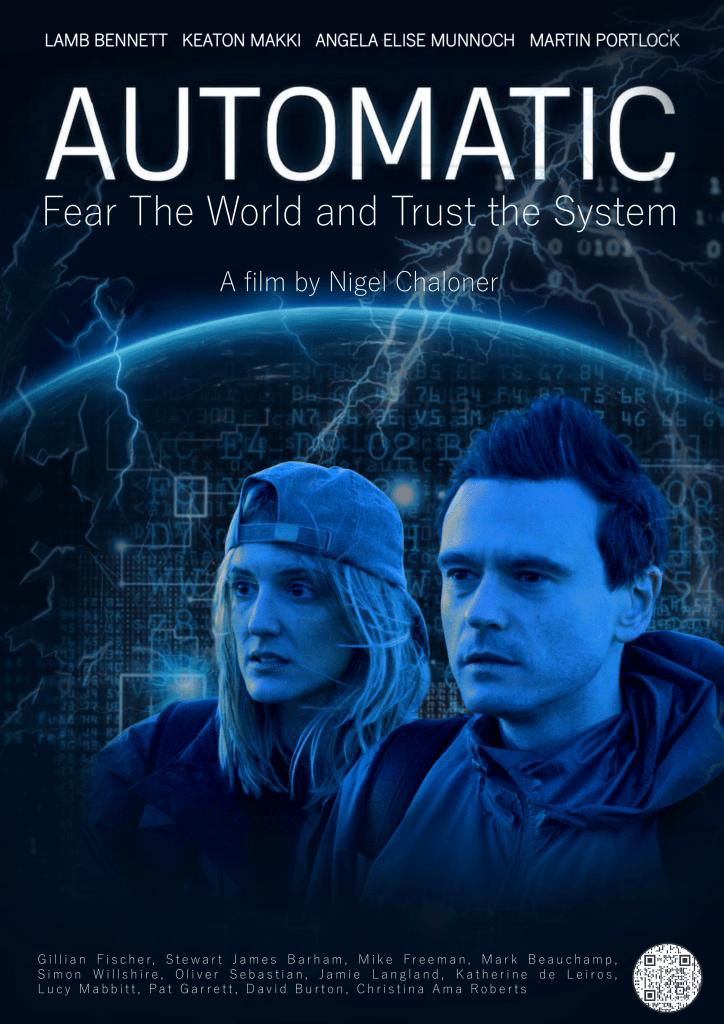

 Nigel Chaloner