I was feeling a bit knackered last week after the previous week’s three-day shoot, which started on 26 September. I spent most of last Monday paying the pile of invoices that had built up. I’d damaged an illuminated sign during the cafe shoot on Friday, so that also needed sorting.
The week before, Julie had interviewed Keaton and Lamb, so I edited a short version of this based on the film’s theme last week. I think it’s worked quite well.
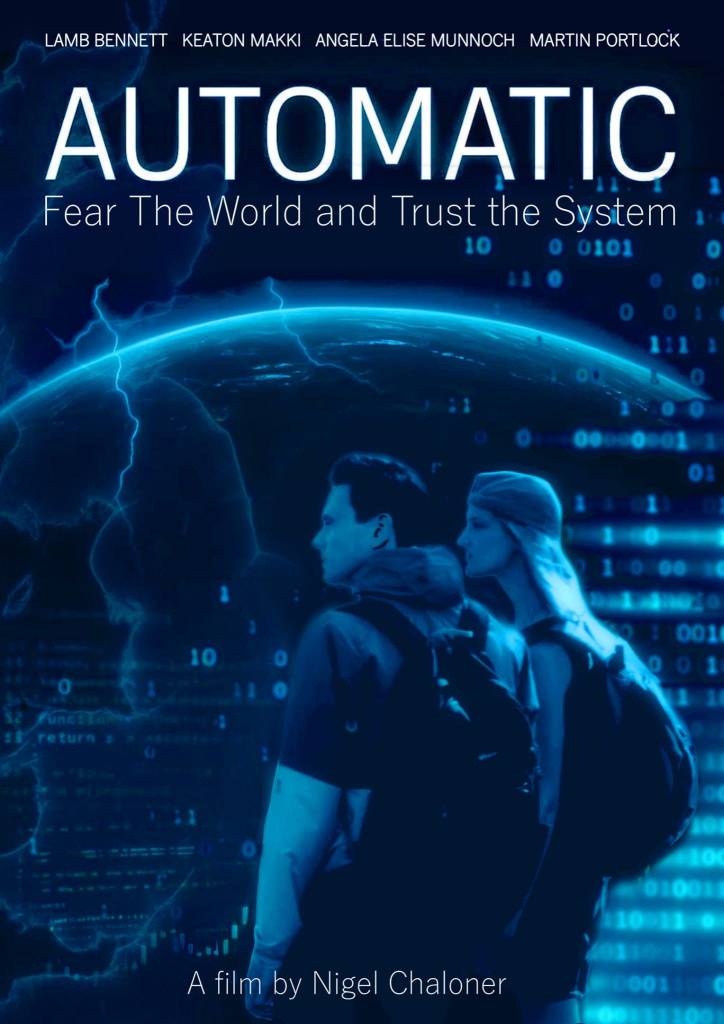
We’ve realised that the scenes need breaking up a bit, so I spent a day walking around Brighton gathering various B-roll shots. I also worked on posters and a press release. Tom focused on the design for the visuals, whilst Julie polished the text. Hopefully, we’ll send something out this week, then we can get the film onto IMDb.
I’ve also spent some time going through all my notes – which may be of interest. In the past I’ve managed all my projects using spreadsheets, with separate worksheets for different aspects. When I started working on Automatic months (years?) ago, I had worksheets for actors, finance and locations. Over time I spun some of these off into separate sheets and placed them in folders dedicated to their topic – one for actors’ info, one for props etc, but I’ve developed a new paper-based system that seems to be an improvement.
I group scenes into “shoot days” based on location – so all the cafe scenes get one sheet, all the boardroom scenes get another and so on. I keep an A4 pad on my desk and tear off pages to create one sheet per shoot day or subject, such as Cafe, Media or Promotion. I note props, clothing, transport requirements and anything else relevant to that day or subject on these sheets.
I also keep a separate A4 sheet of “To Do” items. Recently I needed a bit more focus, so I added a “Today” page where I write down things that must get done today. Admittedly, I don’t always quite manage it and end up reusing yesterday’s “Today” sheet, but it generally helps me stay on track. I progress by crossing things off and periodically creating new “To Do” sheets or new shoot day sheets, as needed.
This system seems to be working fairly well. At the moment my “To Do” sheet includes:
- Setup more social media
- Film the final truck scene
- Music
- Create final video presentation with voice-over
- Press release
- Interviews
- Schedule remaining scenes
- Film transition scenes & B-roll
- Media release forms
And on my “Today” sheet:
- Write a blog post
- Press release
- Schedule
- Talk to Angela
- Pay invoices
Actually, that’s a lie, I’m writing this update in a hurry and haven’t created today’s sheet yet!
 Nigel Chaloner